
 +86 18126095160
 bella@noparde.com



2026-07-24 223
SEO Title: Custom Gobo Projector Buying Guide: Choose the Right Logo Projector
Meta Description: Learn how to choose a custom gobo projector based on projection distance, image size, ambient light, wattage, lens, gobo material and IP rating.
A custom gobo projector displays a logo, text, pattern or promotional message on a wall, floor, storefront or building façade. It is widely used by retailers, hotels, restaurants, exhibition contractors, event companies and commercial property owners.
However, choosing the right logo projector involves more than selecting a wattage. Projection distance, image size, ambient light, surface colour, lens type and installation environment can all affect the final result.
This guide explains the key factors buyers should consider before requesting a quotation.
A custom gobo projector uses an optical lens and a prepared image insert called a gobo.
Light passes through the gobo, and the lens enlarges the design onto a selected surface. The projected content may include:
Unlike a video projector, a gobo projector usually displays one fixed or rotating design without requiring a computer or media player. This makes it suitable for long-term commercial branding and simple continuous operation.
The gobo can also be replaced, allowing one projector to display different seasonal promotions, event graphics or brand messages.
Custom logo projectors are suitable for both permanent and temporary installations.
Common applications include:
A small indoor installation and a large outdoor project require very different configurations. Buyers should therefore begin with the actual installation conditions rather than choosing a product based only on its appearance or power rating.
Projection distance is the distance from the projector lens to the target surface.
It affects:
Measure the optical distance from the planned installation position to the centre of the projected image. If the projector will be mounted above the target and aimed downward, the optical distance will be longer than the horizontal floor distance.
When the mounting location is not finalized, provide the supplier with the minimum and maximum possible distances.
For example:
The projector will be installed approximately 6–8 metres from the wall.
This is more useful than simply requesting an “outdoor high-power projector.”
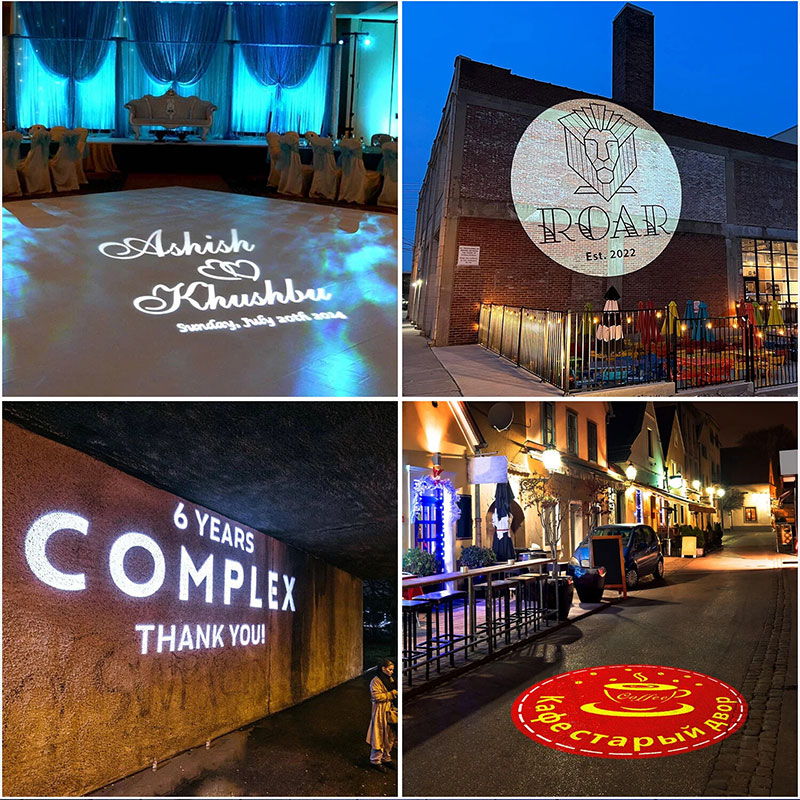
Specify the desired width or diameter of the projected logo.
A clear requirement would be:
We need a logo approximately 2 metres wide from a projection distance of 7 metres.
The image size depends on the relationship between the projection distance and lens ratio. A wide-angle lens produces a larger image at the same distance, while a long-throw lens produces a smaller, more concentrated image.
Remember that a larger image spreads the available light over a greater area. As a result, an extremely large image may appear less bright even when the projector wattage remains unchanged.
For correct lens selection, provide both the projection distance and required image size.
Ambient light is one of the most important factors affecting visibility.
A projection that looks bright inside a dark restaurant may become difficult to see near:
Logo projectors normally perform best at night or in controlled indoor lighting. For brighter environments, the supplier may recommend:
If visibility under strong lighting is essential, ask for a test performed at a similar distance, image size and ambient-light level.
Do not assume that wattage alone guarantees daylight visibility.
The colour and material of the target surface affect both brightness and clarity.
White, beige and light-grey matte surfaces generally provide good results because they reflect the projected light evenly.
Dark surfaces absorb more light. They may require a higher-output projector, smaller image or shorter distance.
Glass, polished metal and glossy tiles can create reflections or glare. A physical test is recommended.
Brick, stone and rough concrete may reduce the clarity of fine lines and small text. Complicated logos may need to be simplified.
Clear glass is normally unsuitable unless it has frosting, projection film or another light-diffusing surface.
Send daytime and nighttime photos of the target area so the supplier can evaluate the conditions before recommending a model.
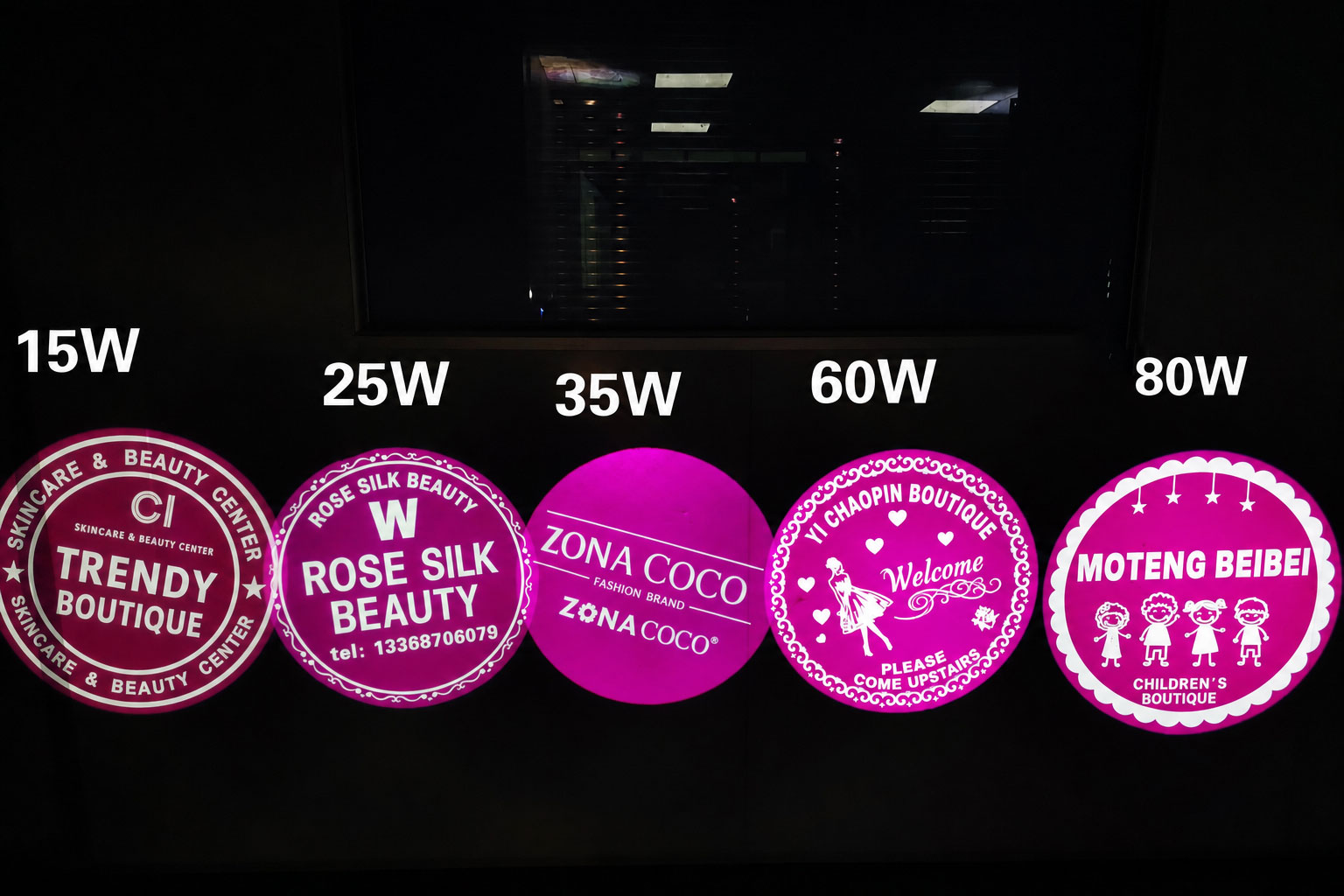
The correct projector output depends on several factors:
Lower-output models may be suitable for short-distance indoor applications with controlled lighting. Outdoor storefronts, large commercial walls and long-distance projects usually require stronger output and a carefully selected optical system.
A larger wattage does not automatically guarantee a better result. The correct lens, installation angle and projected image size can be equally important.
Ask the supplier to explain why a specific model is being recommended for your project.
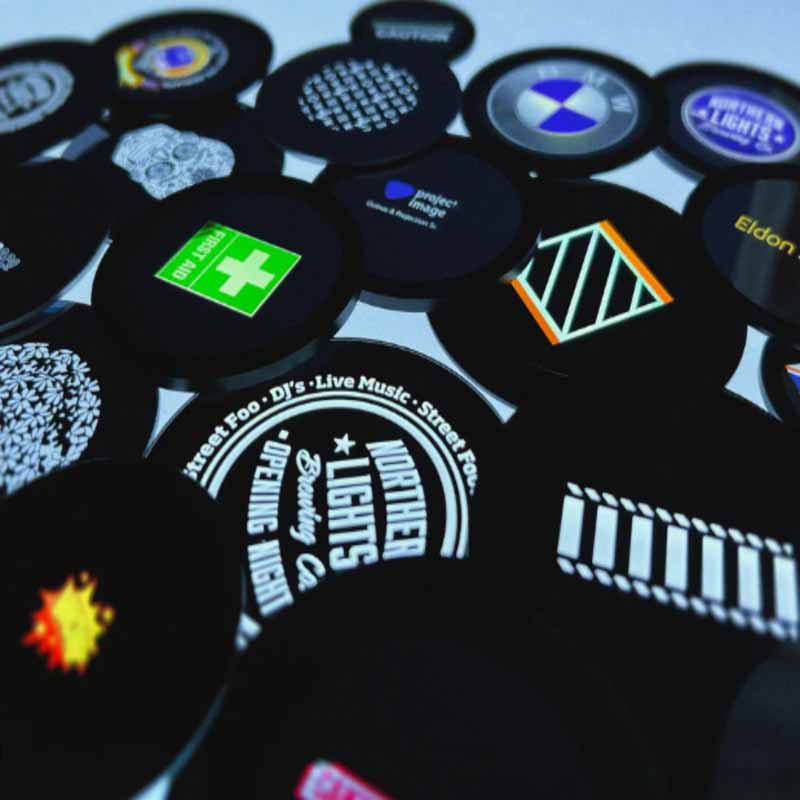
The gobo determines the colours and detail that can be projected.
A custom glass gobo is normally recommended for:
Glass offers greater design flexibility and is usually the preferred choice for professional brand reproduction.
A metal gobo is suitable for:
Because the design is physically cut into metal, letters with enclosed areas may require small connecting bridges.
Film may work in some low-temperature or short-term applications. Buyers should confirm its heat resistance and compatibility with the selected projector before ordering.
Vector artwork normally produces the best result.
Preferred formats include:
A high-resolution PNG may also be accepted, but avoid screenshots, social-media images and small website thumbnails.
The supplier should review:
Request a digital artwork proof before production. This allows you to check spelling, colours, proportions and image orientation before the gobo is manufactured.
Static projection keeps the logo in one position. It is suitable for storefront branding, hotel entrances, corporate spaces, directional information and designs containing text.
Rotating projection adds movement and can attract attention in retail, entertainment and event environments.
Before ordering, confirm whether the projector supports:
For logos containing important text, static projection is usually easier to read.
For outdoor installation, verify the protection of the complete system rather than relying only on the product title.
Ask for:
IP65 and IP67 represent different test conditions. Confirm which rating applies to the projector, power supply and connectors.
If a product page contains conflicting waterproof information, request the latest specification sheet and test report before ordering.
To receive a suitable recommendation, send the following information:
|
Project information |
Details required |
|
Application |
Store, hotel, event, building or other |
|
Environment |
Indoor or outdoor |
|
Lens to target surface |
|
|
Required image size |
Width or diameter |
|
Ambient light |
Dark, moderate or bright |
|
Projection surface |
Colour and material |
|
Effect |
Static or rotating |
|
Artwork |
Original logo file |
|
Quantity |
Sample or project quantity |
|
Electricity |
Voltage, frequency and plug |
|
Location |
Destination country |
|
Schedule |
Required delivery date |
Photos, videos or a simple installation drawing can significantly improve the accuracy of the recommendation.
Not sure which projector, lens or gobo is right for your project?
Send Noparde:
The Noparde team will review the application and recommend a suitable projector, lens and custom gobo configuration.
WhatsApp: +86 181 2609 5160
Email: bella@noparde.com